uniapp 下 原生检测 通知栏,Android、iOS都支持
直接上代码,不多说了 // 原生检测 export default { /** * 检测通知栏 */ checkNotification:function(){ if(plus.os.name.toLowerCase() == 'ios')
2,631 阅读

CATEGORY
直接上代码,不多说了 // 原生检测 export default { /** * 检测通知栏 */ checkNotification:function(){ if(plus.os.name.toLowerCase() == 'ios')
<input type="text" onkeyup="onlyNumber(this)"/> function onlyNumber(obj){

在此记录一下,转自:https://www.oschina.net/code/snippet_260395_39205 WGS-84:是国际标准,GPS坐标(Google Earth使用、或者GPS模块) GCJ-02:中国坐标偏

// main.js 文件 // 全局 event bus Vue.prototype.$eventHub = new Vue(); // a.js 接收参数的文件 _self = this // 监听 全局 event bus this.

// ajax var Fly = require('./plugins/tools/fly.js'); var fly = new Fly //添加请求拦截器 fly.interceptors.request.use((config,pr

直接上代码 // 挂载 Vue.prototype // 示例如下: // 在 main.js 中挂载属性/方法 Vue.prototype.websiteUrl = 'http://uniapp.dcloud.io'; Vue.proto

var(--status-bar-height) 此变量在微信小程序环境为固定 25px,在 5+App 里为手机实际状态栏高度。 当设置 "navigationStyle":"custom" 取消原生导航栏后,由于窗体为沉浸式,占据了状态

官方文档是这样的: changeItemInArray: function( ) { // you can use this way to modify a danamic data path this.setData({ 'array[0

less 100rpx 可以写成 width: unit(100, rpx) 来完美解决IDE的报错 格式化也不会出现什么问题 wepy 默认预处理语言就是 less

var arr = [{name: "zlw", age: 24}, {name: "wlz", age: 25}]; var compare = function (prop) { return function (obj1, obj2)


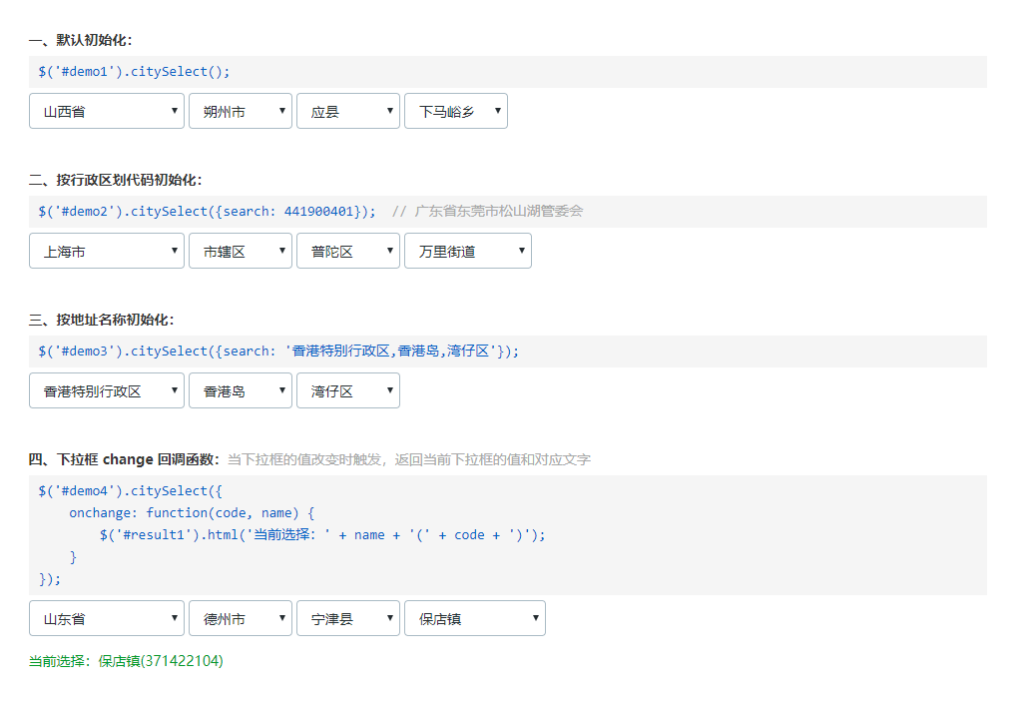
citySelect是面向于PC端的一款基于JQuery的、整体功能都比较完善的拼音分类和集成搜索功能的城市选择插件。 https://github.com/lquan529/citySelect DEMO https://lquan529

地址 http://davidshimjs.github.io/qrcodejs/ 1、引入插件 /*html*/ <div id="qrcode"></div> /*js*/ <script src

客户端通过用户名密码调用服务端的接口来获取角色Token 链接websoket时带上此Token(wss://localhost:7896/?token=Token) websoket服务端建立连接时验证此Token是否有效,无效则连接失败

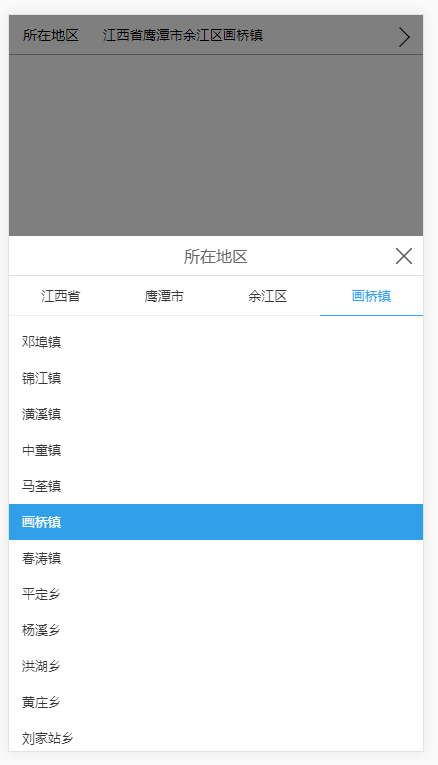
插件地址 https://github.com/xinjie-just/address-select
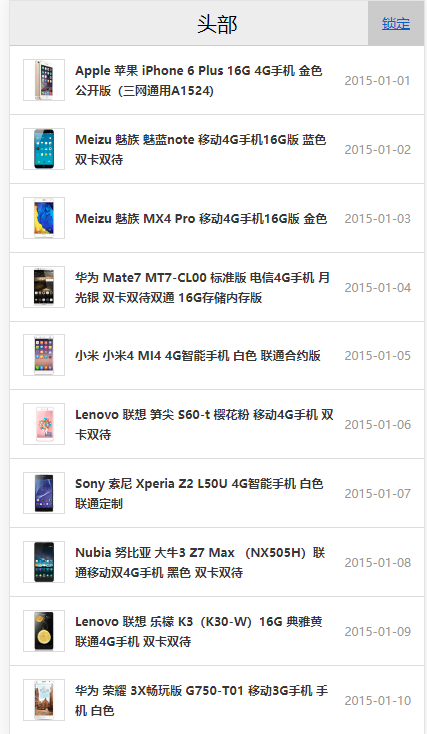
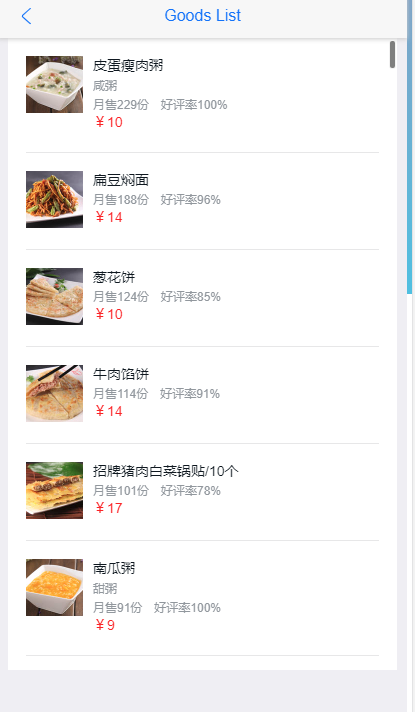
插件地址 https://github.com/minirefresh/minirefresh 使用代码 <!DOCTYPE html> <html> <head> {include file=